MYZA Phone · for Android
Manage technology mindfully — don’t let it manage you
A minimalist home screen for your phone. Everything you need stays at hand, while what quietly eats your attention and time steps into the background.
In development
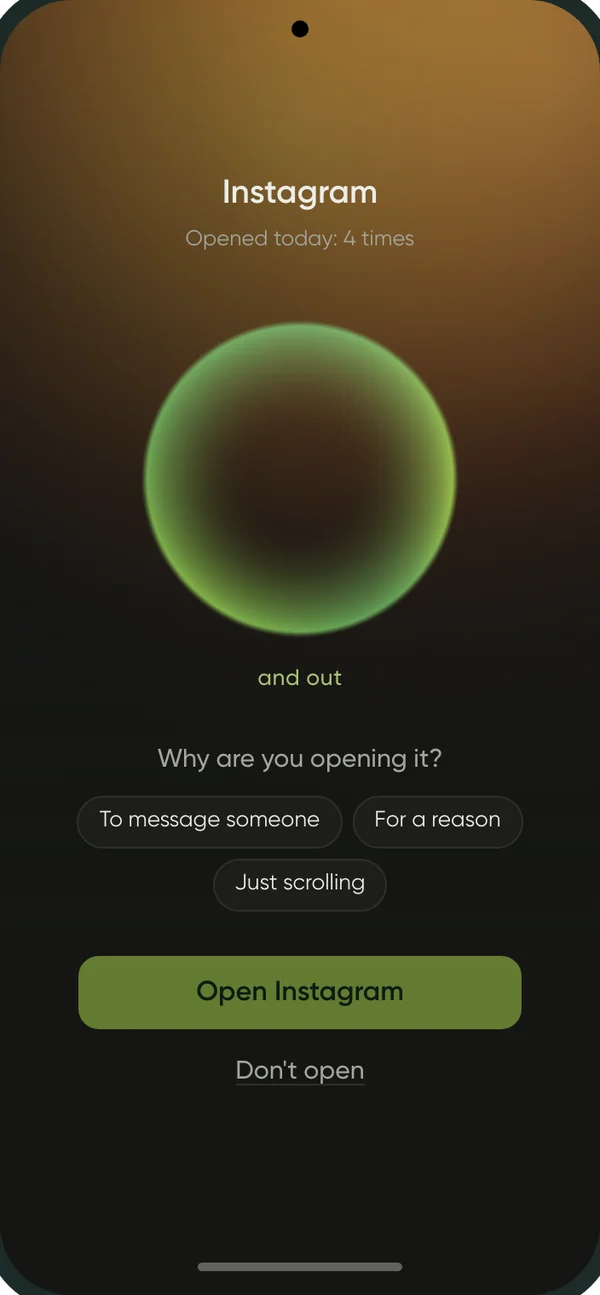
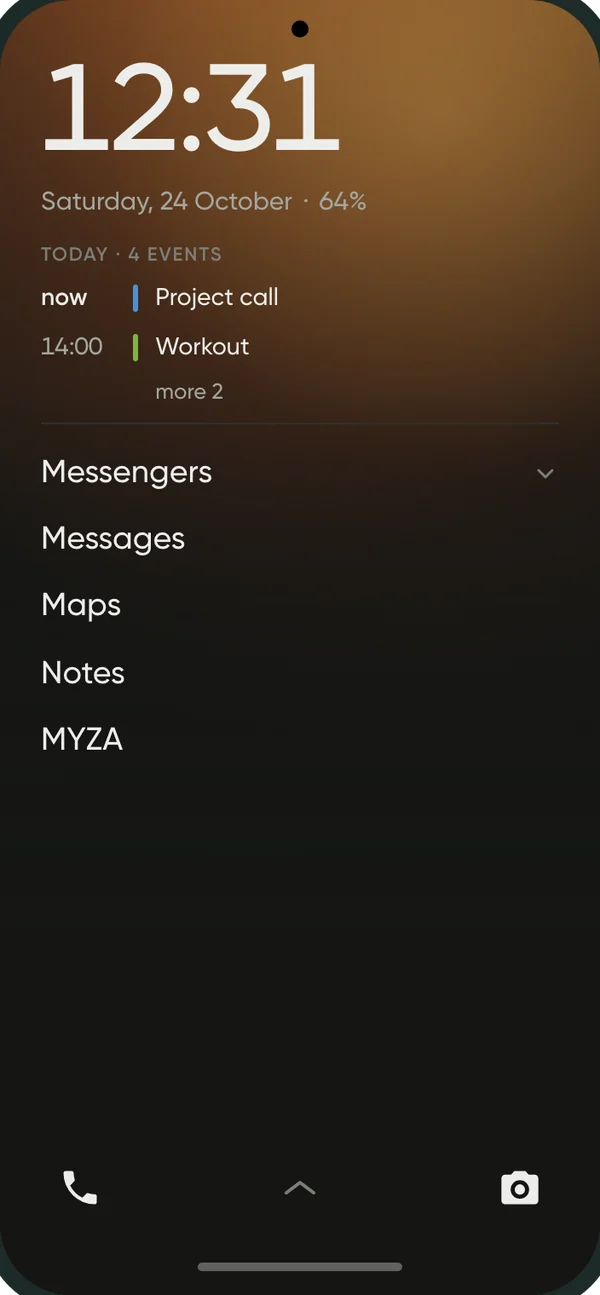
Your phone waits for your decision again, instead of nudging you.
Maps, messengers, camera, banking — all still there. Only one thing changes: every app you open becomes a choice, not a habit.
Home screen
Quiet instead of a shop window
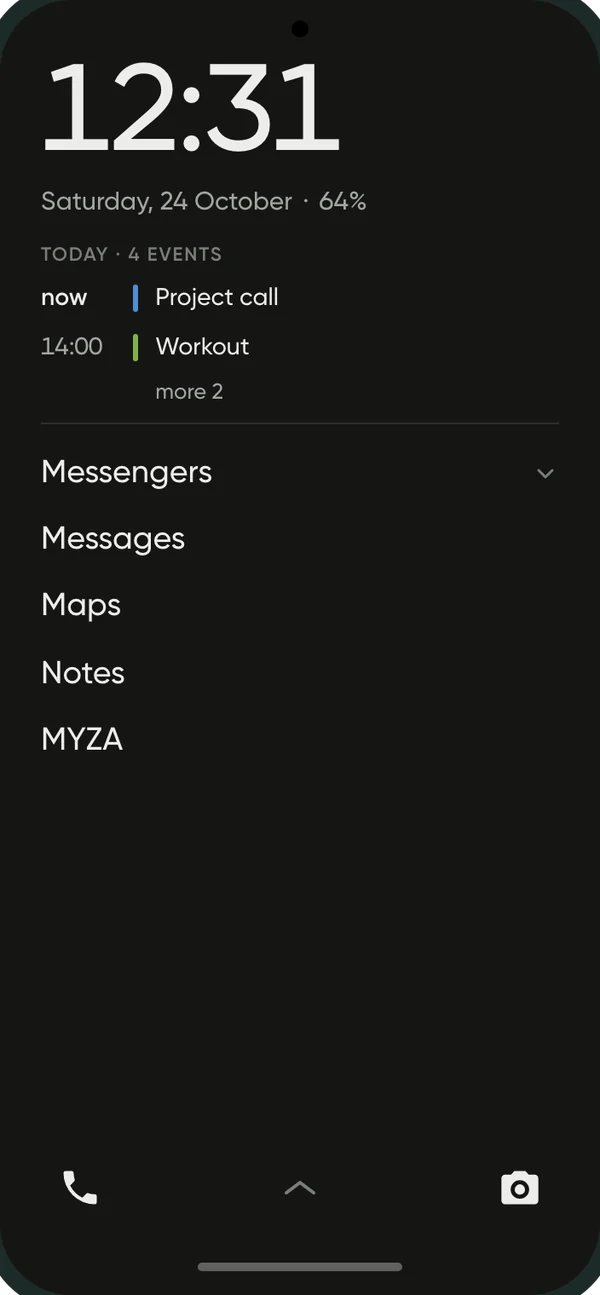
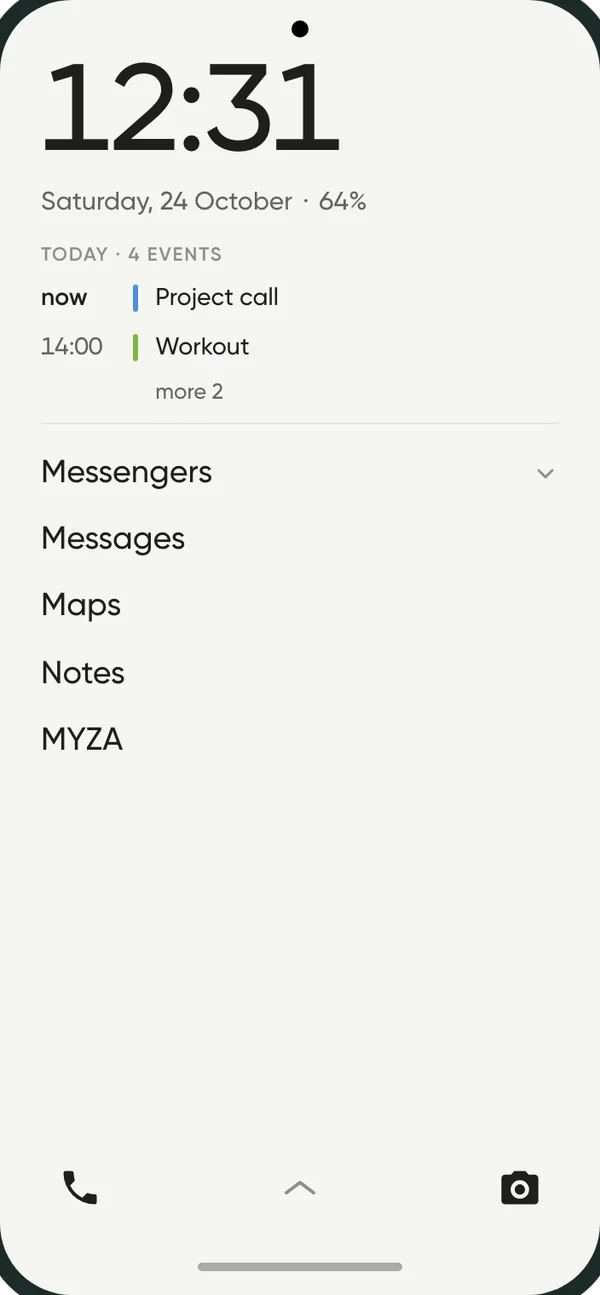
The clock, the date, today’s plans and a short list of what you really need. App names in words — no bright icons, red badges or counters.
- Everything else is a swipe away, with search
- Folders unfold right where they are
- Up to four quick buttons at the bottom
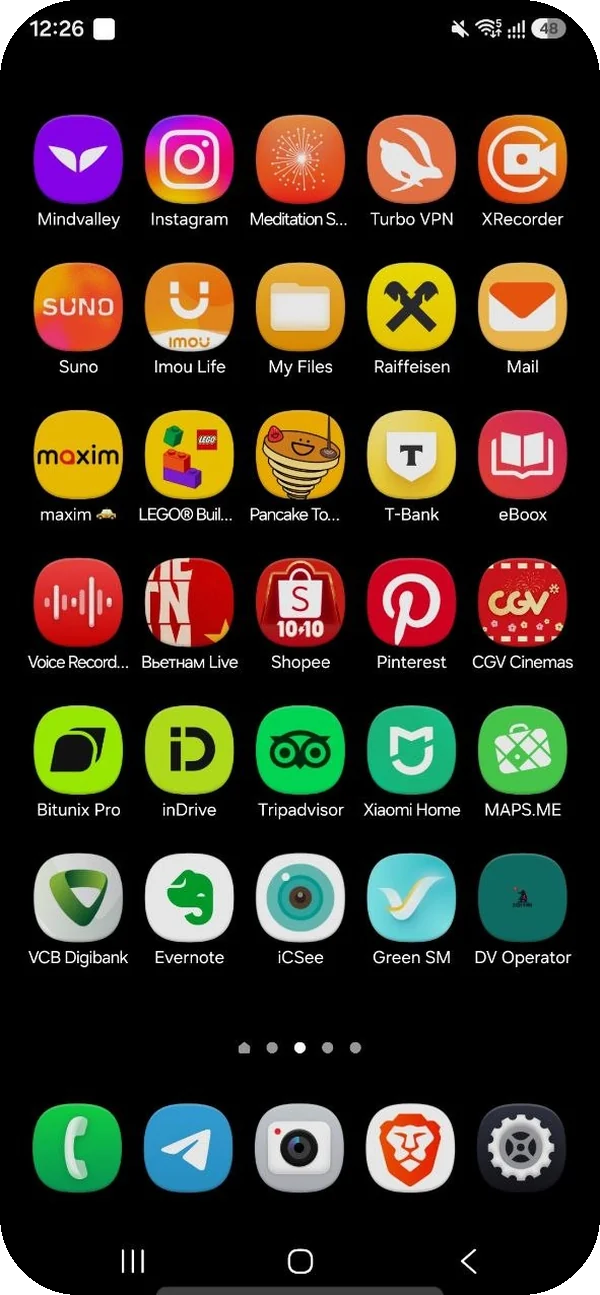
Pause
One breath before the feed
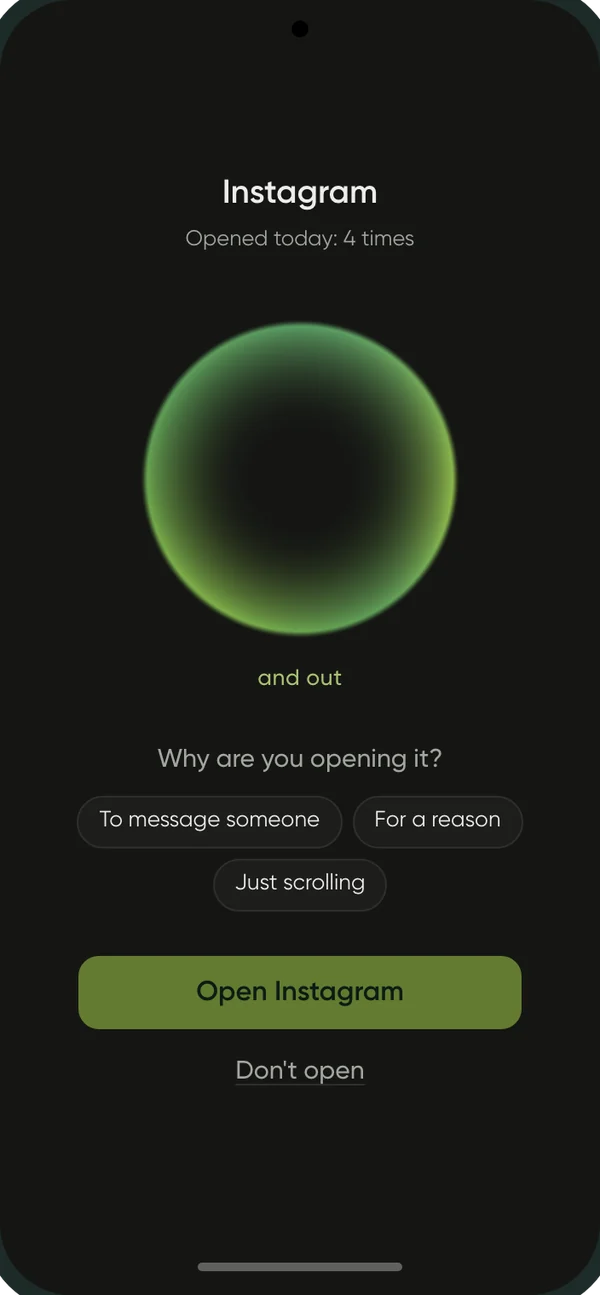
Before apps that are easy to get lost in, eight seconds for one calm breath in and out. Enough to notice: do you need this, or did your hand just reach for it?
- Breathe in — and out
- Notice your body and the sounds around you
- Open it — or change your mind
Time limit
Exactly as long as you decided
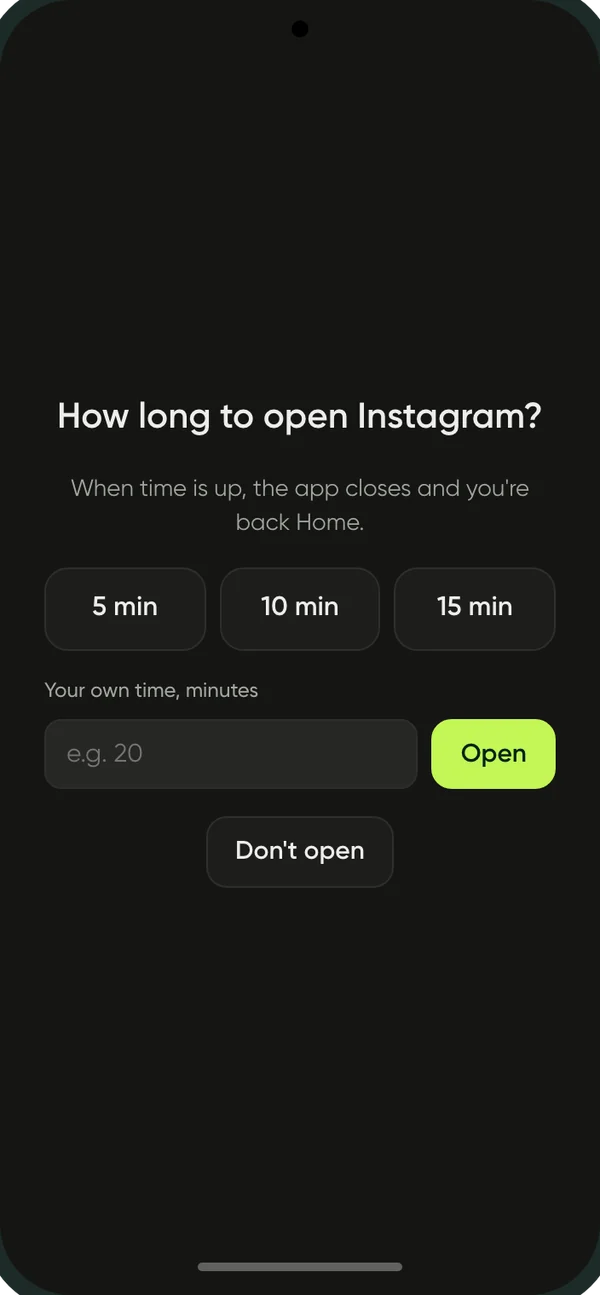
Instagram, TikTok, YouTube or any other app asks how long to open it for. When time is up, it closes on its own — no bargaining.
- 5, 10, 15 minutes or your own
- A thin bar shows what’s left
- Back in only after a break
Schedules and notifications
Mornings and evenings are yours
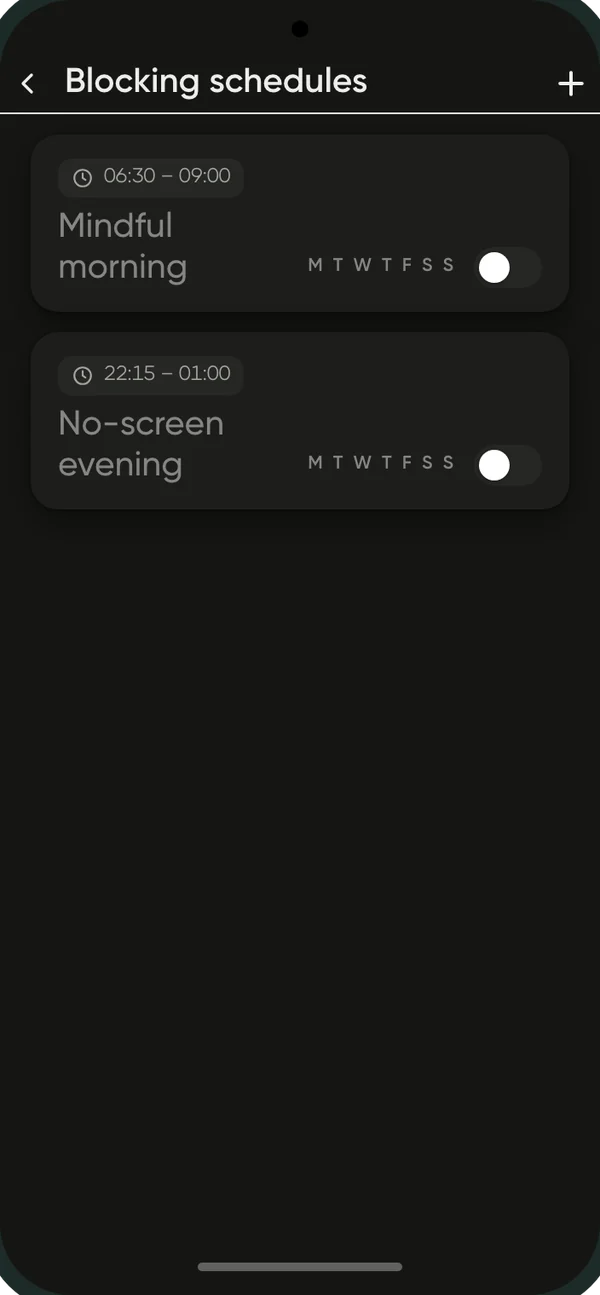
Schedules close the apps you pick at the hours you set: no social media before work or in the hour before sleep, say. Their notifications don’t tug at you — they wait quietly in one place.
- Your own schedules by weekday
- A notification filter per app
- See them all at once, when it suits you
Analytics
See your days change
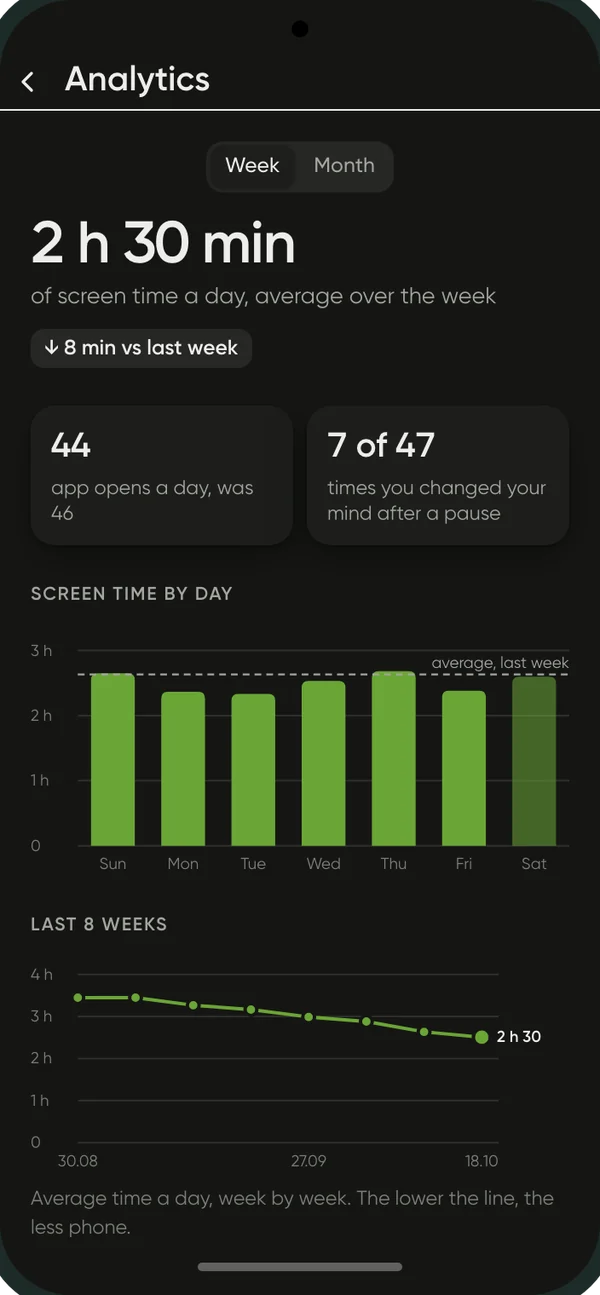
How much time goes to the screen, how often your hand reaches for the phone, and how many times you changed your mind after the pause. No grades — just an honest picture, week by week.
- Screen time by day
- The trend over eight weeks
- Which apps take the most
Look
Your phone, your way
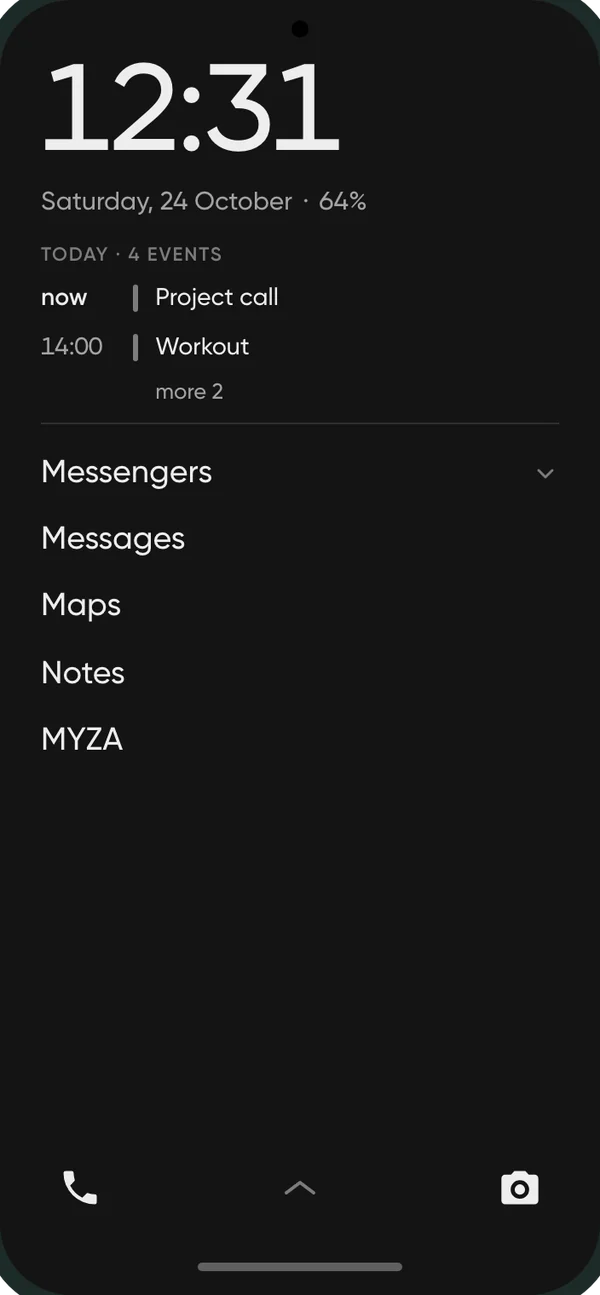
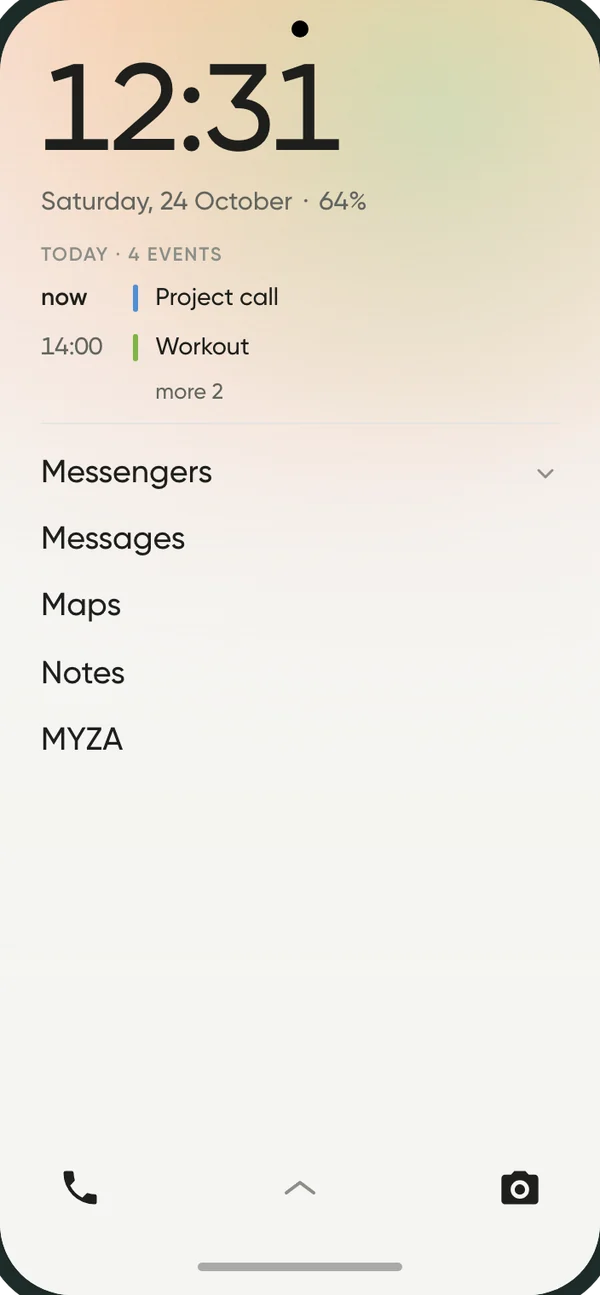
Light, dark or black-and-white theme, a plain or a soft colourful background, text size, alignment, clock format. English, Russian and Vietnamese.
Try it yourself
Your time is yours
Use everything your smartphone can do, on your terms: as much as you need, not as much as the apps want. Your usual home screen is always one tap away.